Is it halal?
Know in seconds.
Scan a barcode or snap the ingredient list. Halal Pal gives you a clear Halal, Mushbooh or Haram verdict — and shows you exactly why.
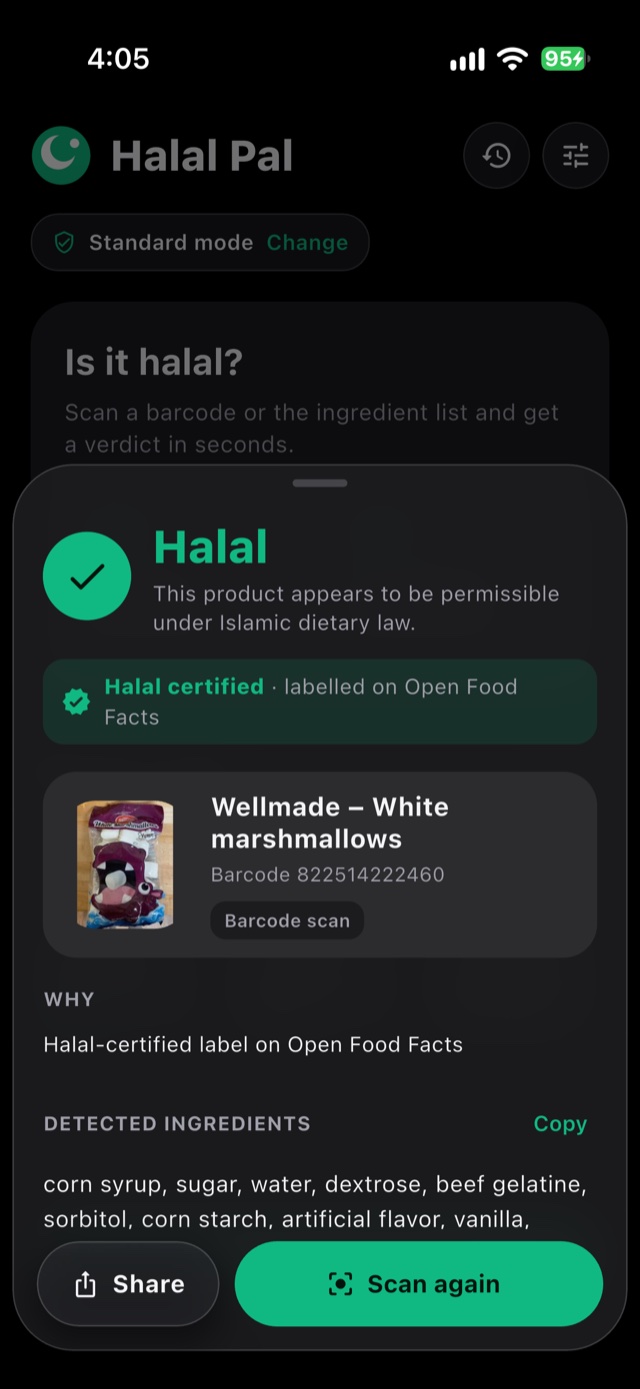
Three verdicts. No guesswork.
Every result explains itself, with the flagged ingredients highlighted right in the list.
Halal
No prohibited ingredients found — or the product carries a halal-certified label.
Mushbooh
Doubtful — an ingredient could come from a plant or an animal, and the label doesn’t say which.
Haram
Contains a forbidden ingredient, like pork derivatives, alcohol or gelatin from an unverified source.
Spots what’s easy to miss
Gelatin, E-numbers, animal-based additives — Halal Pal reads every ingredient so you don’t have to.
- Halal, beef or fish gelatin isn’t treated like unverified gelatin
- Mono- and diglycerides checked for plant or animal origin
- Catches misspellings and scanning slips, like “gelatik” for gelatin
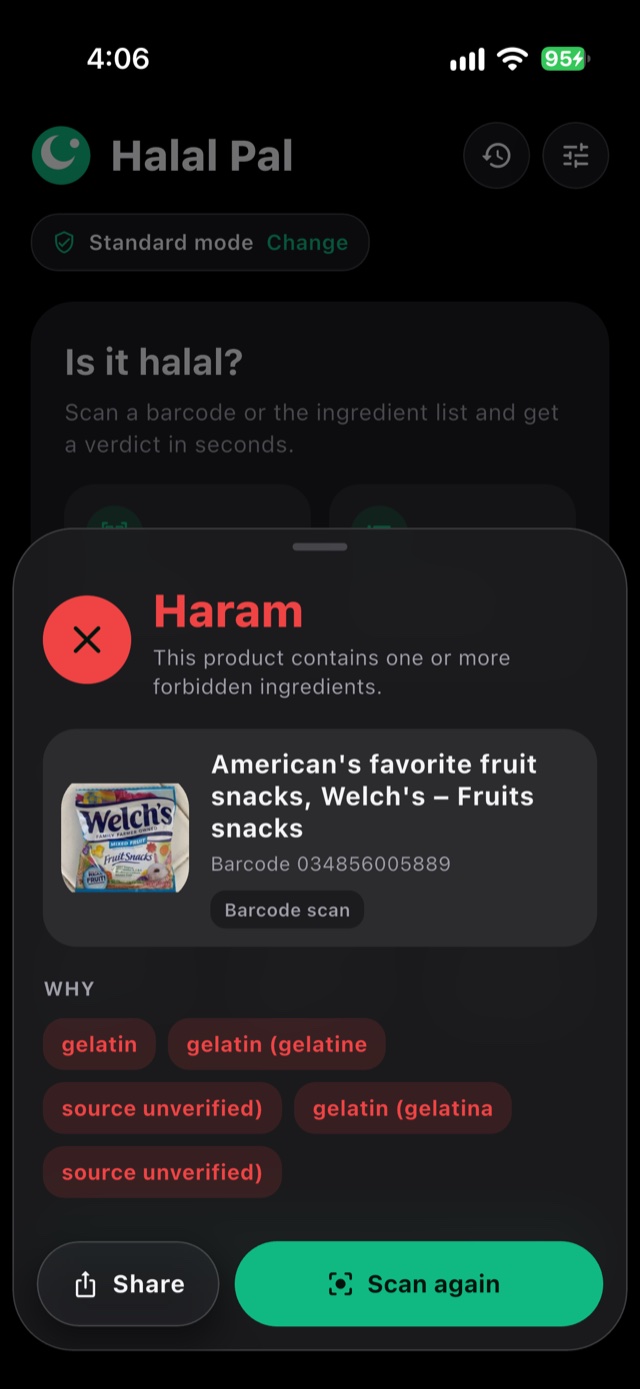
Scan the ingredient label
Take a photo, drag the corners around the ingredient list, and get a verdict — even for products that aren’t in any database.
- Text is read on your phone — photos are never uploaded
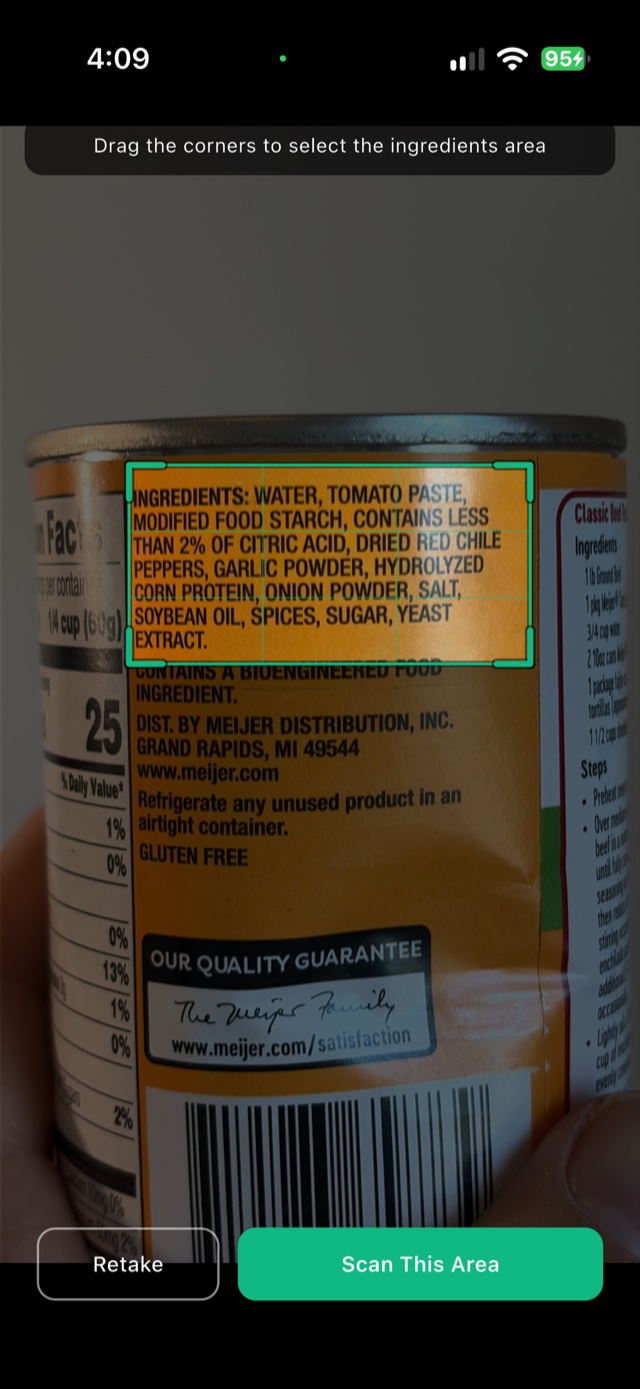
Every scan, saved
Product photos, verdicts and times — search your past scans or filter by Halal, Mushbooh or Haram.
- Stored on your device, not in the cloud
- Rescans of saved products are instant
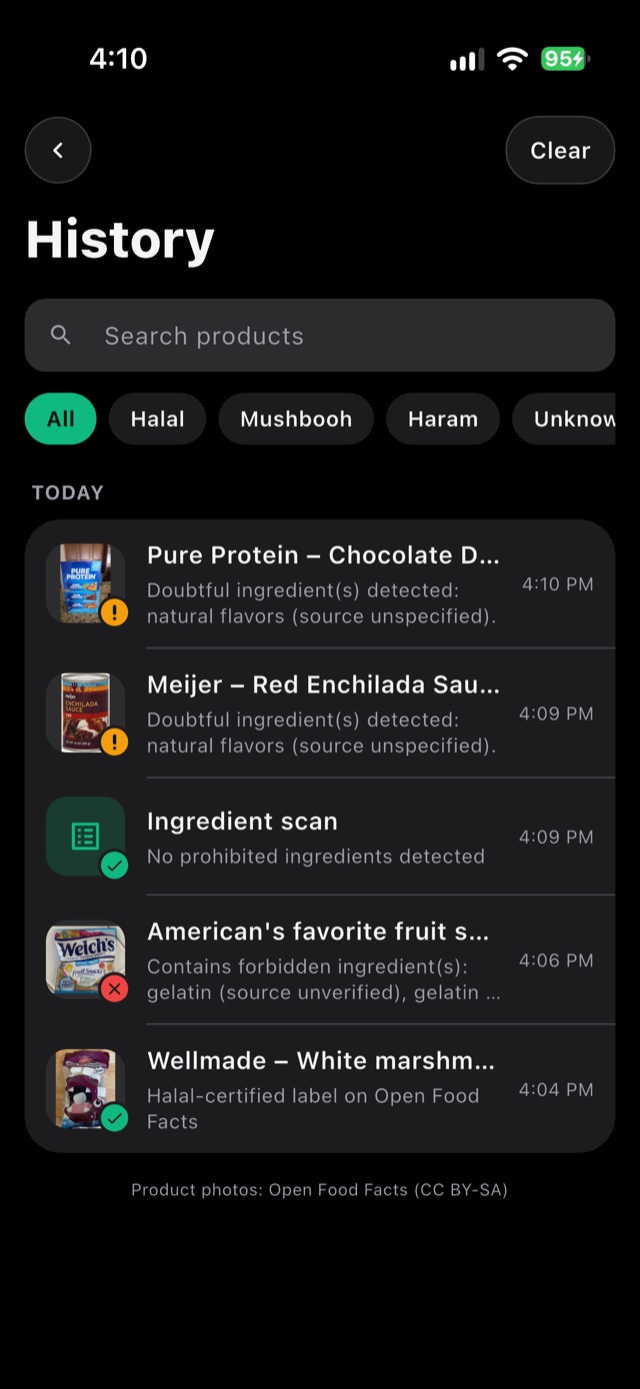
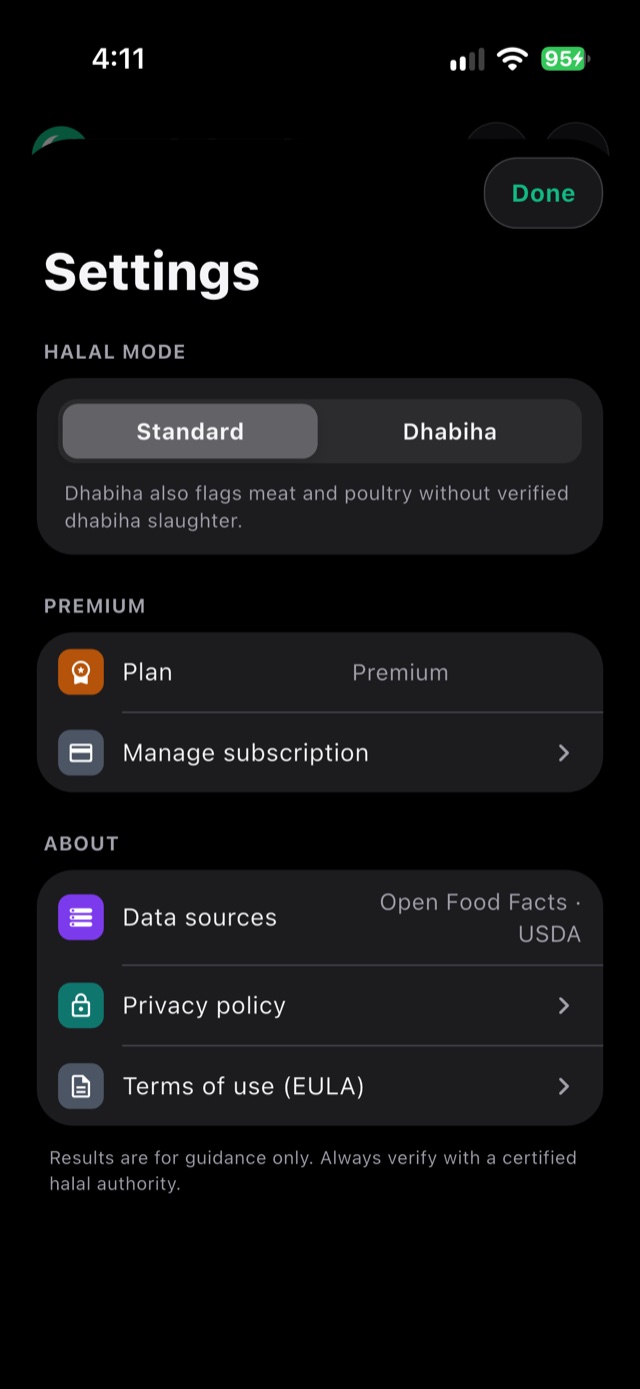
Standard or Dhabiha
Choose the rules you follow. Dhabiha mode also flags meat and poultry without verified dhabiha slaughter.
Built for the grocery aisle
Instant barcode checks
Millions of products from Open Food Facts and the USDA database.
Halal-certified badge
Products with a halal label are clearly marked as certified.
Continuous scan
Premium: scan a whole cart without stopping, with a distinct vibration for each verdict.
Light & dark mode
A modern design that follows your iPhone’s appearance.
Report a problem
Think a result is wrong? Send the details from any result in one tap.
Private by design
No account, no sign-up. Your scan history never leaves your phone.
Start free. Upgrade anytime.
Every verdict and feature is free to try. Premium removes the limits.
Free
- 3 scans per day
- Barcode & ingredient scanning
- Standard & Dhabiha modes
- Scan history
Premium
- Unlimited scans
- No ads
- Continuous scan
- Everything in Free
Questions, answered
Where does the product data come from?
Barcode results come from Open Food Facts, an open database of millions of products worldwide, and the USDA FoodData Central database. The ingredients are then checked on your phone.
What does “Mushbooh” mean?
Mushbooh means doubtful. It’s used when an ingredient could come from either a plant or an animal — like natural flavors or mono- and diglycerides — and the label doesn’t say which.
What’s the difference between Standard and Dhabiha mode?
Standard mode flags ingredients that are forbidden or doubtful. Dhabiha mode is stricter: it also flags meat and poultry that don’t state verified dhabiha slaughter.
What if a product isn’t found?
Switch to Ingredients mode and take a photo of the ingredient list. Halal Pal reads it and gives you a verdict, even for products that aren’t in any database.
Is the verdict always right?
Halal Pal gives guidance based on product data and ingredient lists, which can be incomplete or change over time. When in doubt, verify with a certified halal authority. If you spot a wrong result, tap “Report a problem” and we’ll look into it.
How do I cancel Premium?
Open your iPhone’s Settings → your name → Subscriptions → Halal Pal, and tap Cancel. You keep Premium until the end of the period you paid for.

Shop with confidence
Download Halal Pal Scanner and check your next product in seconds.
Download on the App StoreWe’re here to help
Wrong result?
Tap Report a problem at the bottom of any result — it fills in the product details for you.
Contact us
Email tayseerdevelops@gmail.com and we’ll get back to you.
Guidance only
Always verify with a certified halal authority when in doubt.
More answers on our Support page.